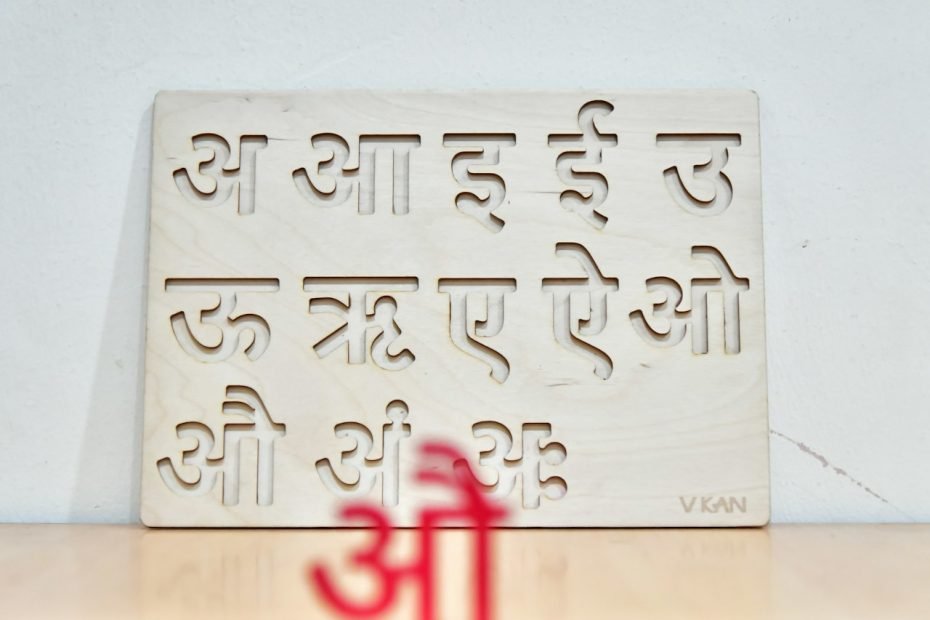

Want to change Alexa’s language to Hindi? Let’s do it! This guide is your quick ticket to making Alexa your Hindi-speaking companion. So, let’s dive in and get your device chatting in Hindi in no time.
Key Steps to Change Alexa’s Language to Hindi
1. Accessing the Alexa App
First things first, let’s get that Alexa app open on your smartphone or tablet. If it’s hiding somewhere in your app jungle, now’s the time to find it. Once you’ve got it open, head straight to the ‘Devices’ tab. It’s your gateway to making changes.
2. Selecting Your Device
Now, you’ve got to pick the device you want to chat with in Hindi. Tap on the device name—like choosing which friend you want to invite for dinner. Simple.
3. Changing the Language
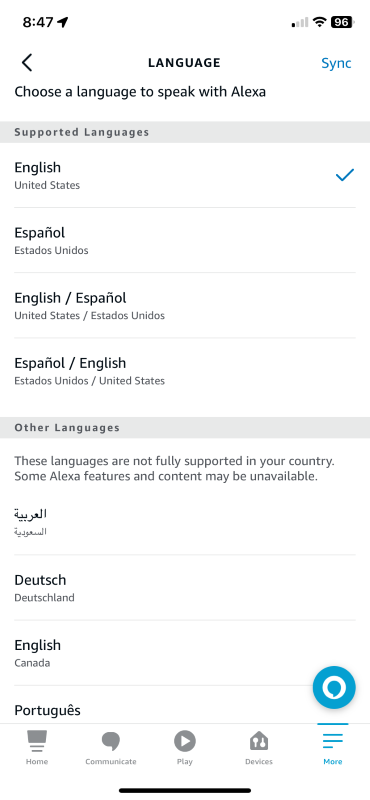
After selecting your device, look for the ‘Language’ option. It might feel like you’re on a treasure hunt, but the real treasure is just a few taps away. In the list of languages, scroll until you find Hindi. Tap on it, and you’re almost there.
4. Confirming the Changes
Finally, confirm your choice. Alexa might ask, “Are you sure?” in her best digital voice. Say yes, and voilà, your Alexa device is ready to respond to you in Hindi.
Frequently Asked Questions
Most do! Checking if your device is ready to chat in Hindi is a breeze. Dive into the Alexa app and head to your device settings. If Hindi is listed under the languages, you’re all set! It’s like finding out your car comes with a hidden espresso maker—pure joy.
Not currently. As of now, teaching Alexa a new language requires a few taps in the app, rather than a simple voice command.
Summary
You did it! Alexa can now speak Hindi. But don’t stop here. There’s a whole world of Alexa tricks waiting for you.
Got questions or something cool to share about your Alexa experience? I’m all ears. Leave your comments below and let’s chat.
For more tips and tricks, head over to our Alexa Archives.